Business Floss
Keep Your Mind Fresh With The Best Business Books
What is Business Floss?
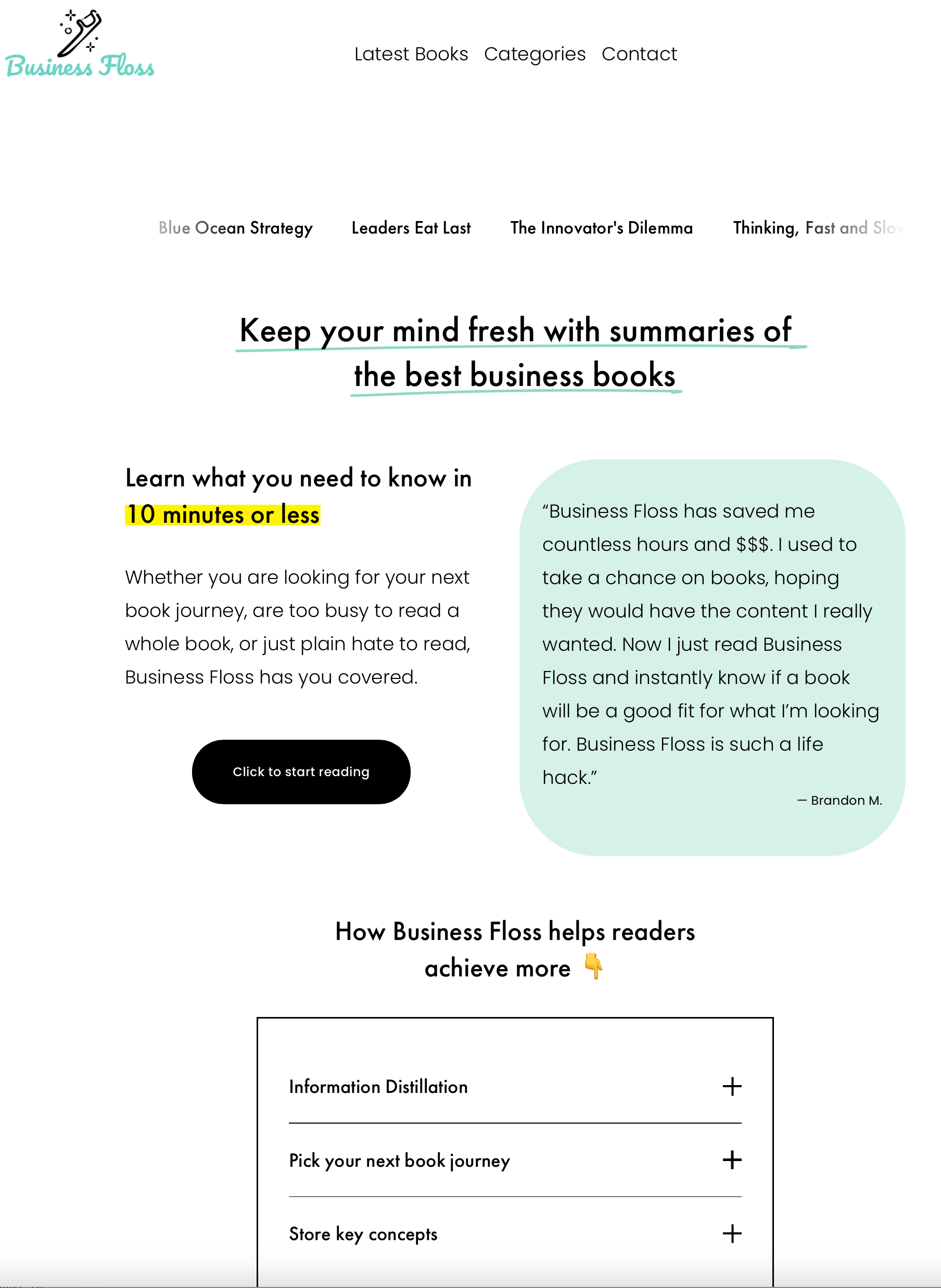
Business Floss is a website I made that provides summaries of popular business books!
How did you come up with the idea?
One day I was playing around with Chat-GPT trying to figure out what I can do with it and thought I should try asking it to summarize a book I had lying around but hadn’t read. The AI did a remarkable job and the more I played with the system the more I realized there was a cool opportunity here! From there I came up with a catchy name, bought a domain and a Squarespace subscription, and got to building.
How does it make money?
Business Floss provides links to all the referenced books using the Amazon Affiliates Program. At a basic level, when a visitor uses one of my links to purchase a book on Amazon, I can receive a small commission if they decide to buy something. While there are other affiliate programs available, Amazon’s is the easiest to integrate within the website.
What’s next?
The plan is to continue adding more books to the site and to eventually grow the audience through social media marketing! My initial hope is to get the site to the point that it can cover the annual costs through proceeds from the Amazon Affiliates Program.
How I use AI
Step 1: Cataloguing books
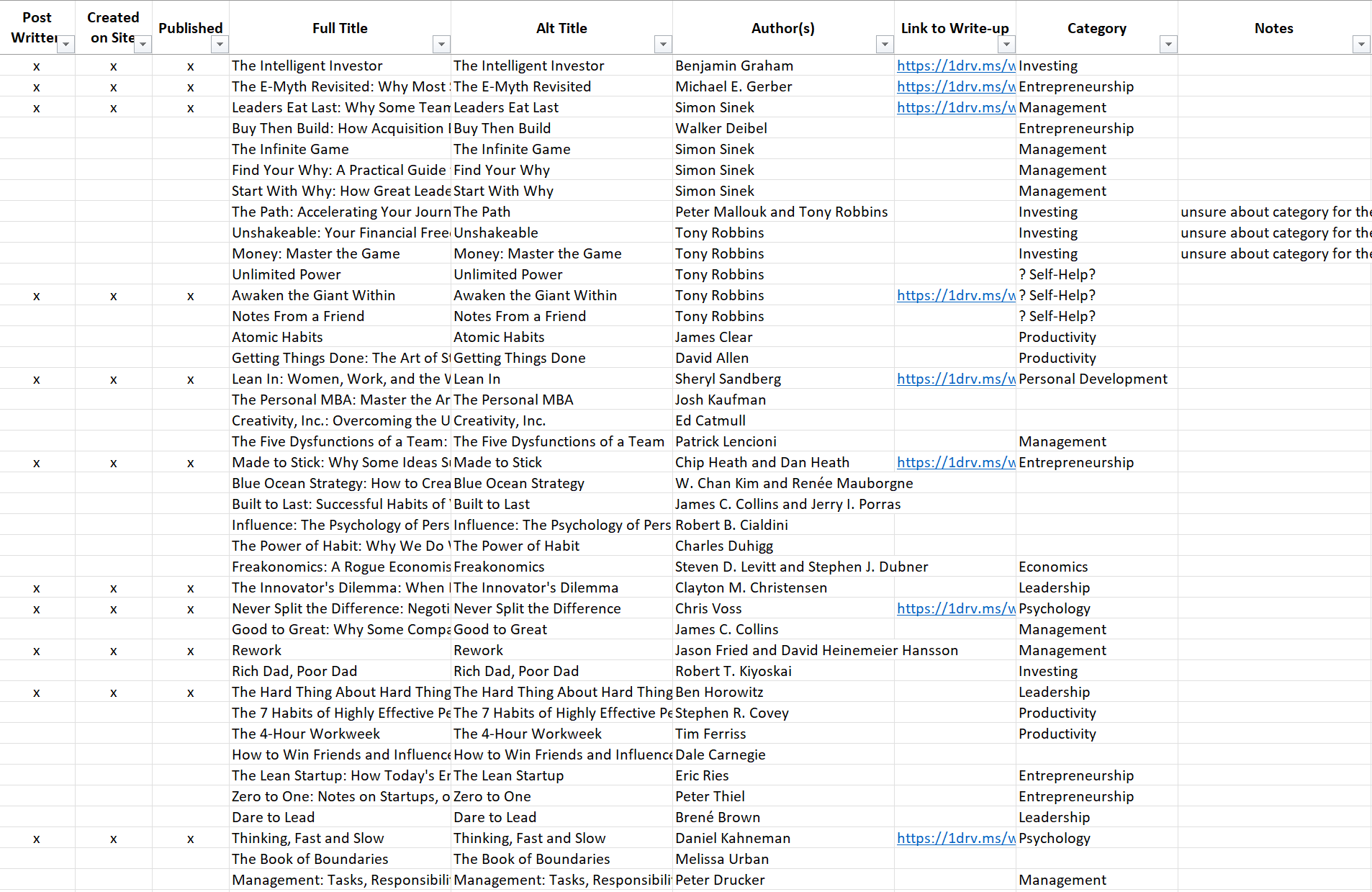
The first step in my process is the easiest one…finding books about business! It’s easy to find new works being published on Amazon or Barnes & Noble. From there you can find adjacent books in the recommended section or use something like GoodReads to find further suggestions based on what other users have also read. From there I simply add the books I find to my excel tracker so I can track everything in one place and ensure I am not accidentally adding books twice.
The tracker serves a few purposes as you can see to the right.
Step 2: Create Chat-GPT prompts
Now comes the fun part - I select the next book I want to run through the AI and begin crafting my prompts:
“Write me a 700 word summary of the book [insert title]”
Sometimes Chat-GPT doesn’t write the requested amount of words so in that case I will ask it to “Rewrite the summary again in no less than [# words]”
For some reason it will get closer to the desired length after the second prompt; I believe this is because the system is trying to be efficient and doesn’t want to go overboard answering a question if it believes it can do so in a more concise manner
“Summarize the above in 60 words or less”
I may also ask the AI to supply a bulleted list of the biggest takeaways from the book if I think I might plan on expanding my post beyond the normal items
“What are the top 3-5 takeaways from the book?”
“Provide two real quotes in praise of the book”
You might be wondering why I added the word “real” to the prompt, and that is because I have caught the AI generating fake quotes by people in the past just to satisfy my query
On occasion I will verify with Chat-GPT if the generated quotes are in fact real or not just to be extra sure
Step 3: Save the Chat-GPT responses in Word and link to the tracker
Though technically not a required step, I like to keep an offline copy of everything I get from Chat-GPT. This also gives me a chance to make any edits before posting. Doing this upfront work makes the next step as easy as copy pasting. The last step is to link the OneDrive Word document to the tracker so if I ever want quick access then I can simply use the link.
Step 4: Add a new blog post to the site
All that work leads to this - adding a new post to the site! What I do is duplicate a prior blog post to retain the post structure then begin updating each item one by one. Once each item is completed then it’s ready to post!
Watch a live demo of how I use Chat-GPT to generate a summary for the book Blue Ocean Strategy in only a few minutes!